Prevent In-App Purchases on Windows 11
Published on: 29/05/2026
Learn to manage kids' spending on Windows 11 using Microsoft Family Safety to avoid surprise charges.
Windows 11Microsoft Family Safetyin-app purchaseskids spendingparental controls

Microsoft Family Safety Spending Limits: Stop Surprise Purchases on Your Child's Account
Published on: 23/05/2026
Add a spending limit to your child's Microsoft account — they can only spend what you've allowed. No surprise charges, no unauthorised app purchases.
Microsoft Family Safetyspending limitsonline safetyparentingfamily finance
Microsoft Family Safety Activity Reports: See Exactly What Your Kids Are Doing Online
Published on: 23/05/2026
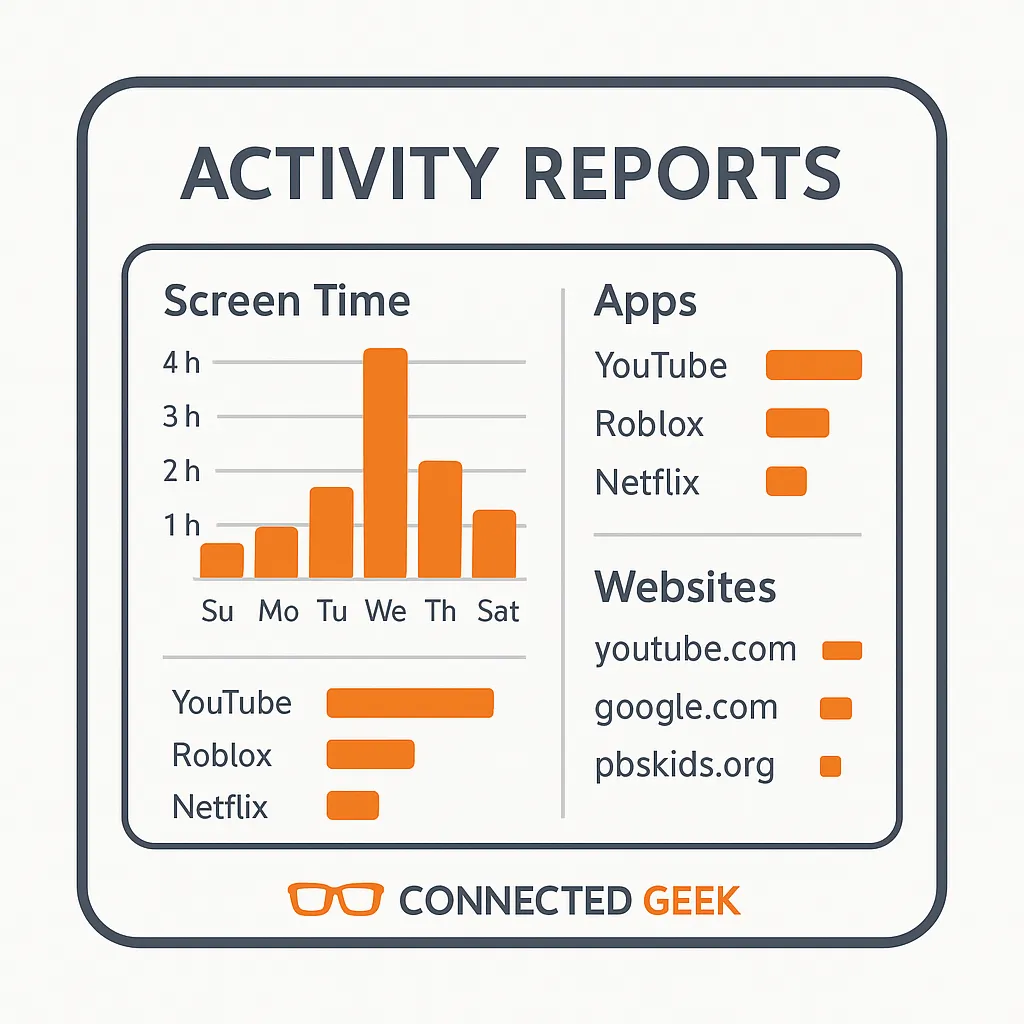
Weekly activity reports in Microsoft Family Safety show screen time totals, which apps were used, and websites visited — stay informed without hovering.
Microsoft Family SafetyActivity Reportsparentingdigital safetyhealthy digital habitsprivacytrust
Web Filtering in Windows 11: Block Inappropriate Sites for Kids with Microsoft Family Safety
Published on: 23/05/2026
Block adult content, allow only specific websites, or limit browsing to a safe list — Microsoft Family Safety's web filter works across all devices in your family group.
parentingonline safetyMicrosoft Family Safetyweb filteringWindows 11internet safetychild protection